
Mac agent
macOS 15 or later, Apple silicon or Intel. Screen Recording and Accessibility are approved once, at the Mac.
rd is a low-latency remote desktop for networks that only allow HTTPS. The screen, the keyboard and the mouse travel over one secure WebSocket on port 443, and the machine you reach dials out, so nothing listens at home.
A locked-down work laptop may block VNC, RDP, SSH and anything else that isn’t a web browser on port 80 or 443. rd works within those limits: both ends connect out to a small gateway, and the traffic looks like any other web app.
Anywhere
A browser tab, or rd Desktop
Your server
One small container
At home
On the Mac or Windows PC
Most streaming tools fill a buffer when the network slows down, and the picture falls further and further behind. rd works the other way around: the viewer acknowledges every frame, and when the link can’t keep up the agent skips frames before encoding and lowers the bitrate. You may see fewer frames for a moment, but what you see is current.
Any modern browser with WebCodecs. Nothing to install on the computer you sit at.
The agent dials out to the gateway, so no ports are open on your home router.
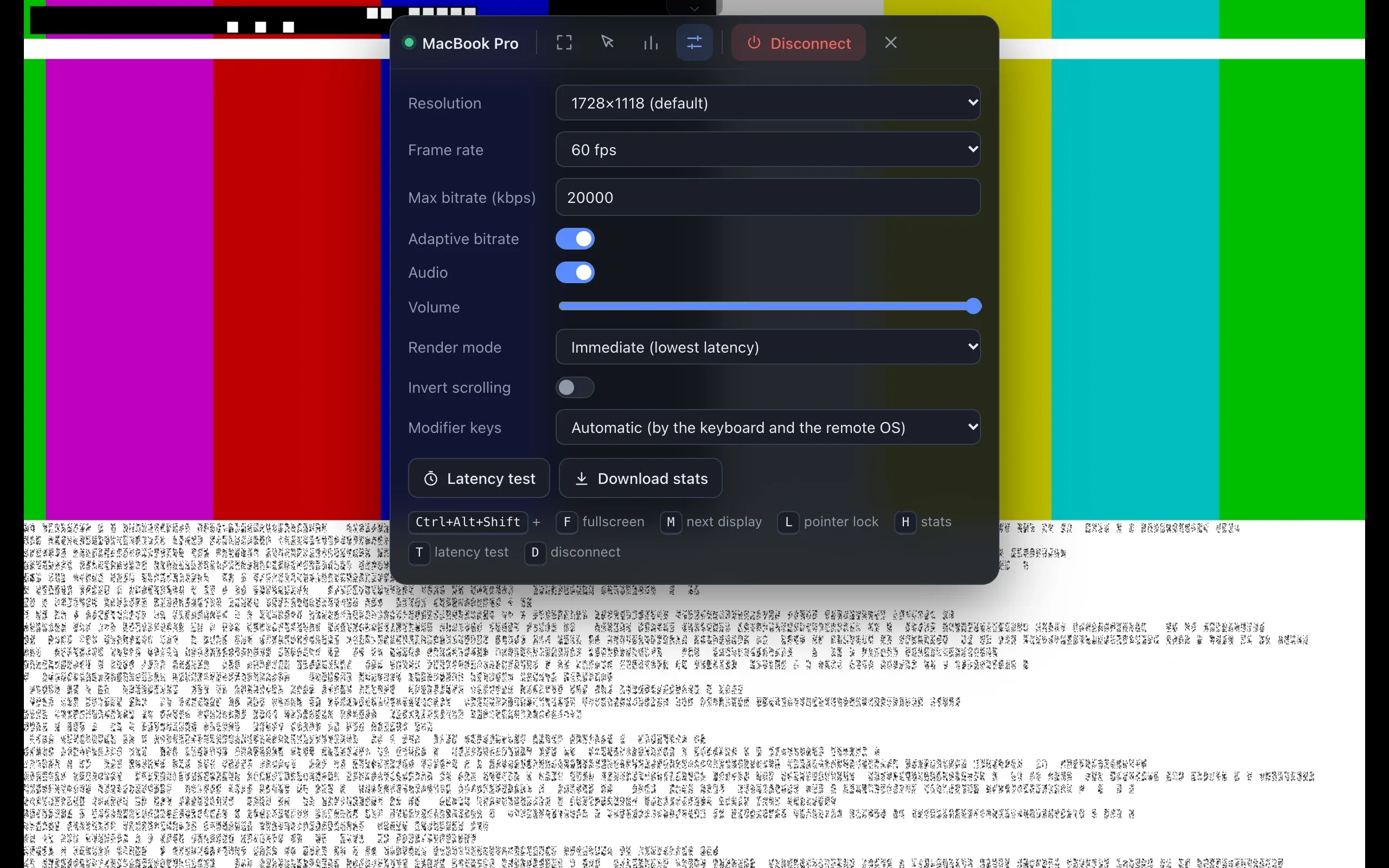
Hardware H.264 at up to 60 or 120 fps, with a bitrate controller tuned in a network simulator.
Input is dropped while the host is locked, so nothing is typed into a password field by accident. On Windows, an optional service shows the real lock screen when you need it.
Physical key codes, Caps Lock sync and automatic Windows ⇄ Mac modifier mapping (Ctrl ⇄ Cmd).
The desktop app also captures Alt+Tab, Cmd+Tab and the Windows key, which a browser tab normally never receives.
Switch between the host’s screens. Pointer lock, and scaling that keeps the aspect ratio.
Authentik in front of the portal, an email allowlist, and a separate token for every device.
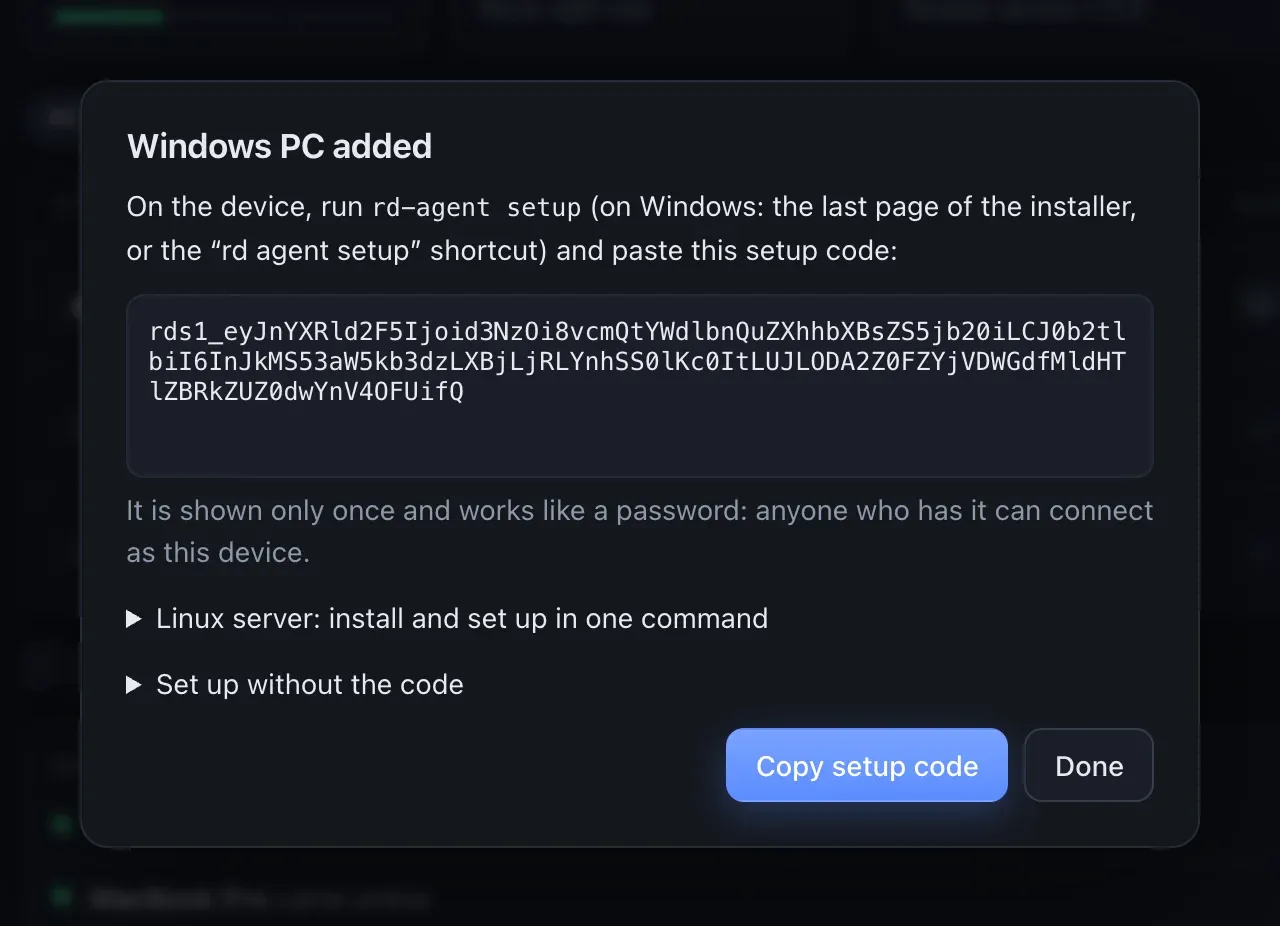
The portal shows a setup code, once, to paste into the agent’s setup. No restart.
A built-in test checks whether a network can carry a session before you rely on it.
Signed updates for rd Desktop and the agents. An agent rolls back if the new version doesn’t come back.
Mac locked, logged out or rebooted? With a little setup at home, Apple Screen Sharing over Guacamole gets you back in.
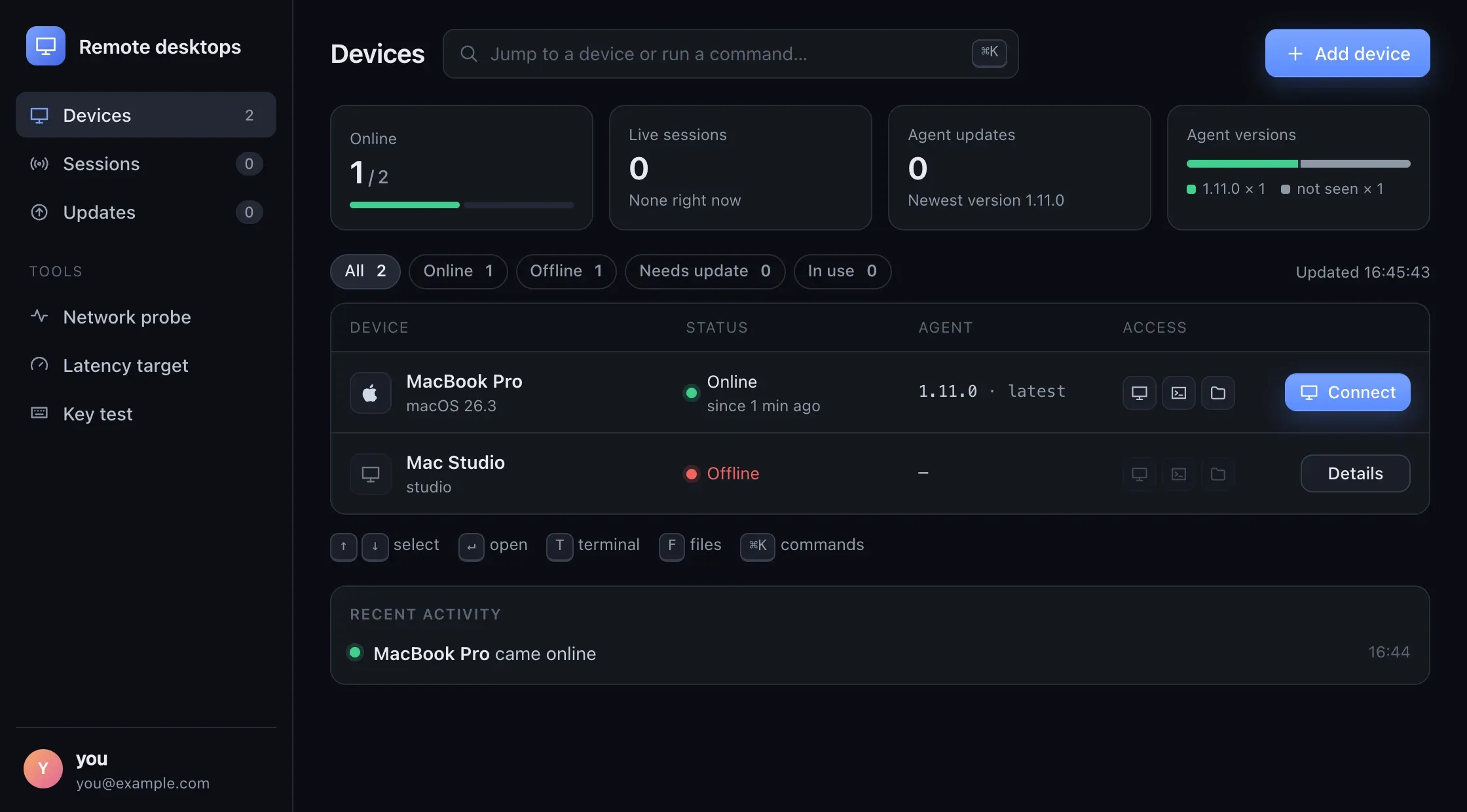
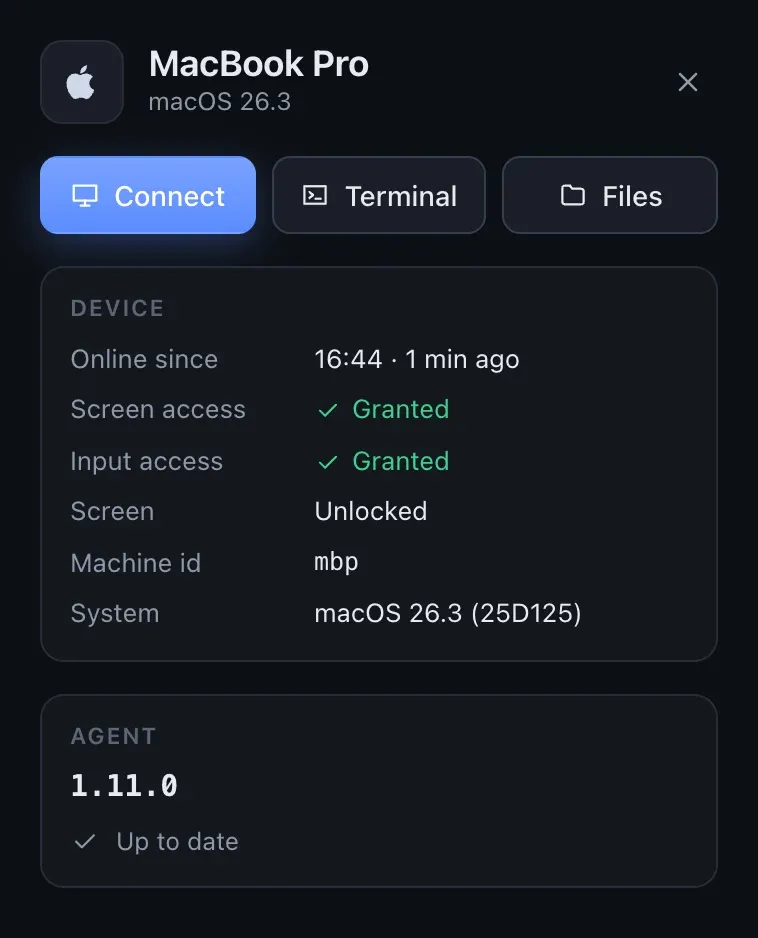
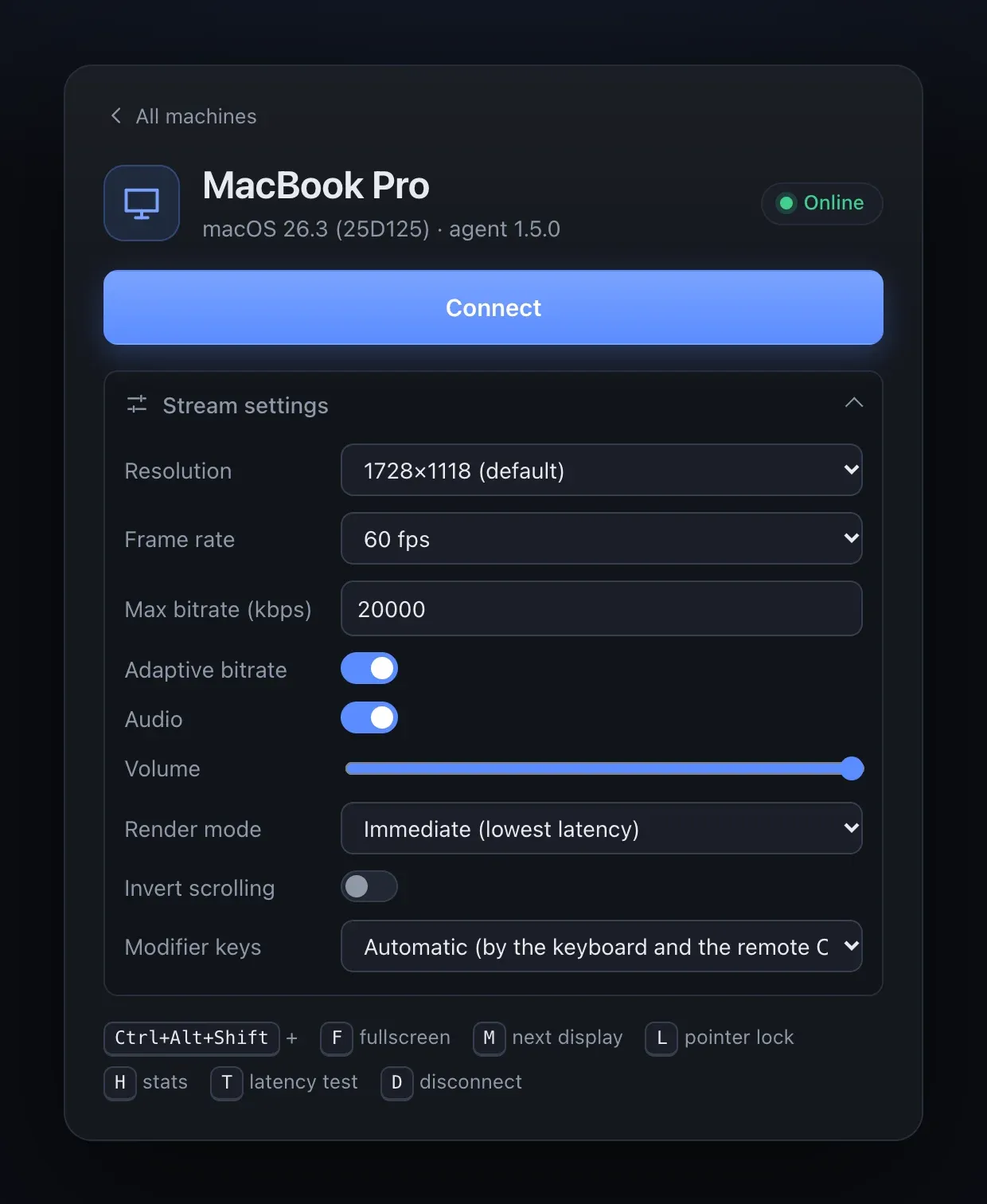
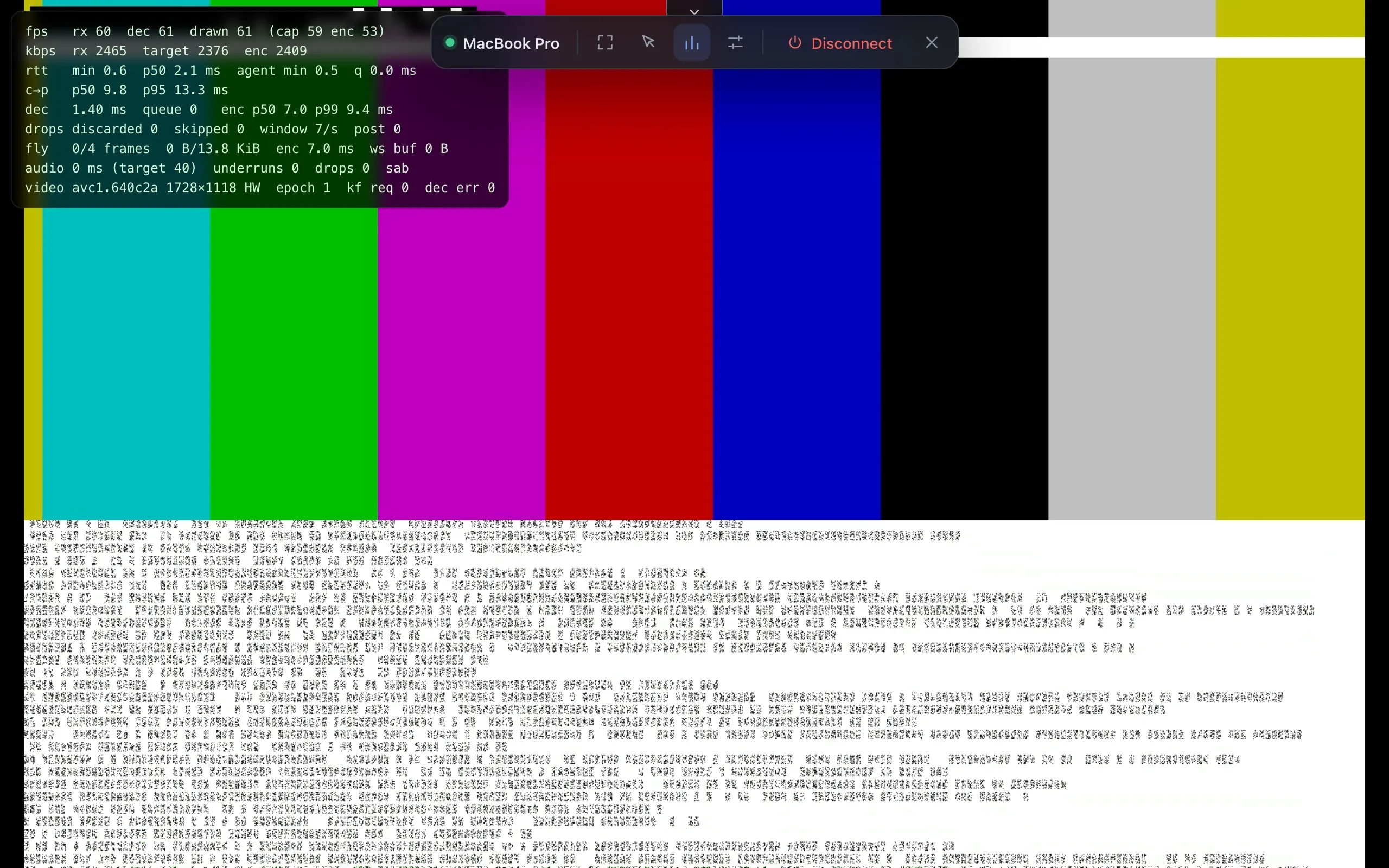
The portal lists your machines; a click connects, and the details are one click away. These are the real pages, served by a dev gateway with a test-pattern agent.
Mac agent
macOS 15 or later, Apple silicon or Intel. Screen Recording and Accessibility are approved once, at the Mac.
Windows agent
Windows 10 (1703+) and 11. Per-user installer, no admin rights. Encodes on NVIDIA, Intel or AMD GPUs.
Browser
Any browser with WebCodecs, over HTTPS. Chrome and Edge can also lock the keyboard in fullscreen.
rd Desktop
Windows 10/11 and macOS 12+. The viewer in its own window, sending Alt+Tab, Cmd+Tab and the Windows key to the remote machine.